How to Make Minecraft Thumbnails That Get Clicks in 2026
Learn how to create eye-catching Minecraft thumbnails for YouTube. Step-by-step guide with design tips, sizing, composition advice, and free tools to make Minecraft thumbnails that boost your CTR.
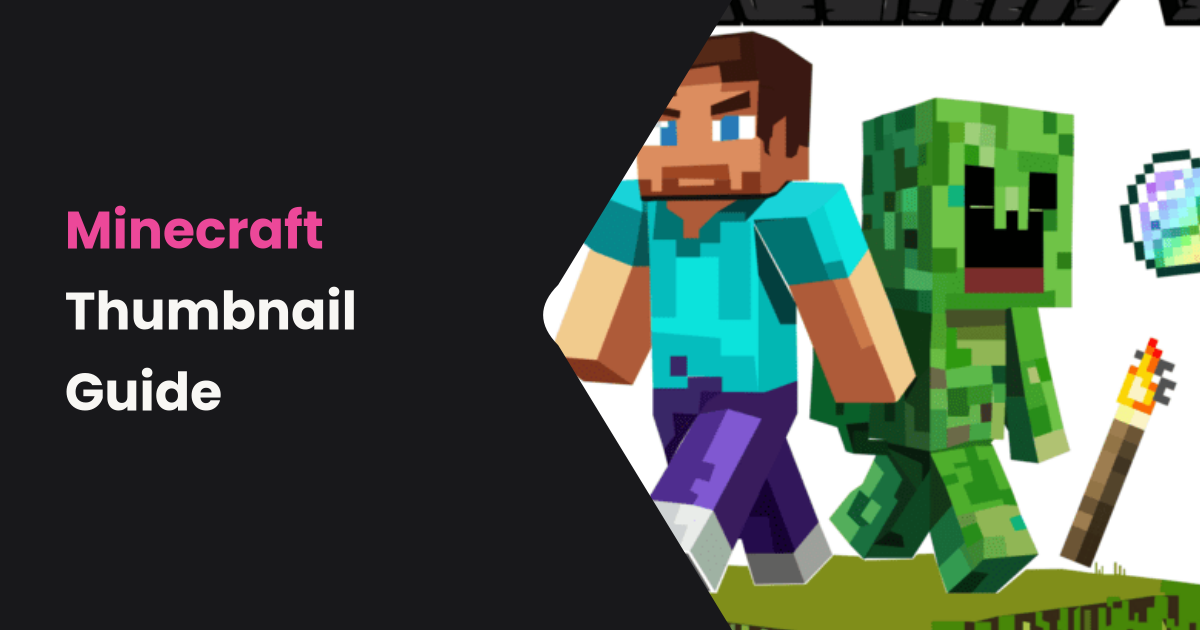
Minecraft remains one of the biggest games on YouTube, with millions of videos uploaded every month. Whether you're posting survival let's plays, redstone tutorials, or build challenges, your thumbnail is the first thing viewers see—and it determines whether they click or scroll past.
In this guide, you'll learn exactly how to create Minecraft thumbnails that stand out in a crowded sea of content.
Why Minecraft Thumbnails Matter More Than Ever
YouTube's algorithm heavily favors click-through rate (CTR). A great Minecraft thumbnail can mean the difference between 100 views and 100,000 views. Top Minecraft creators like Dream, Grian, and MrBeast Gaming all invest heavily in their thumbnail game.
The average YouTube CTR hovers around 2-10%. A well-designed gaming thumbnail can push that above 10%, which tells YouTube's algorithm to recommend your video more.
Ideal Minecraft Thumbnail Size and Format
The recommended YouTube thumbnail dimensions are 1280 × 720 pixels with a 16:9 aspect ratio. Keep file size under 2MB. YouTube accepts JPG, PNG, GIF, and BMP formats—PNG is best for sharp text and graphics.
For Minecraft specifically, you want your text and characters to remain clear even at small sizes (like mobile phone previews), since over 70% of YouTube watch time happens on mobile devices.
7 Design Tips for Click-Worthy Minecraft Thumbnails
1. Use Bold, Readable Text
Keep text to 3-5 words maximum. Use thick, sans-serif fonts with strong outlines. Popular choices include Impact, Bangers, and Luckiest Guy. Make sure the text is large enough to read on a phone screen.
2. Feature a Minecraft Character or Render
Thumbnails with a rendered Minecraft skin or character get more clicks than abstract images. Use tools like Nova Skin or Minecraft Skin Viewer to create 3D renders of your character. Position them to the left or right, leaving space for text.
3. Use High-Contrast Colors
Minecraft's default palette is fairly muted. Counter this by using bright, saturated colors for your text and background elements. Neon green, bright red, and electric blue all pop against Minecraft's blocky textures.
4. Show the "Result" or "Payoff"
If your video is a build challenge, show the finished build. If it's a survival series, show an intense moment. Viewers click on thumbnails that promise something exciting.
5. Add Depth with Arrows or Circles
Drawing attention to a specific element in your thumbnail with a red arrow or circle creates curiosity. This technique is overused in some niches but still works well for Minecraft discovery content.
6. Keep Backgrounds Clean
Avoid cluttered Minecraft screenshots as backgrounds. Use a single, clean in-game shot or a gradient background. The focus should be on your text and character, not a busy landscape.
7. Use Consistent Branding
Pick 2-3 colors and a consistent font style across all your thumbnails. This builds brand recognition—viewers will start recognizing your videos in their feed even before reading the title.
Creating Text-Based Minecraft Thumbnails with Instant Thumbnail
Not every Minecraft thumbnail needs complex renders and Photoshop skills. For tutorial content, update videos, and educational Minecraft content, a clean text-based thumbnail can actually perform better than an over-designed one.
Instant Thumbnail lets you create professional text-based thumbnails in seconds:
- Enter your Minecraft video title (e.g., "Minecraft 1.21 – Everything New")
- Select a highlight style—Diagonal works great for energetic gaming content, Arrow for tutorials
- Choose a bold accent color like Green or Purple
- Upload a Minecraft screenshot as the background image (optional)
- Generate and download your thumbnail in seconds
The tool creates covers at 1200 × 630 pixels—perfect for blog posts and social media. For YouTube, the bold text styles translate perfectly to the platform's thumbnail display.
Common Minecraft Thumbnail Mistakes to Avoid
- Too much text: If viewers can't read it in 1 second, simplify it
- Low resolution: Always use 1280 × 720 or higher
- No focal point: Every thumbnail needs one clear thing to look at
- Copying others exactly: Take inspiration but add your own style
- Clickbait that doesn't deliver: Misleading thumbnails kill your retention rate
Conclusion
Great Minecraft thumbnails combine bold text, clean composition, and a clear promise of what the viewer will see. Whether you use advanced design tools or quick text-based generators like Instant Thumbnail, the key is consistency and clarity.
Start creating professional Minecraft thumbnails today—your click-through rate will thank you.
Create Your Blog Cover Now
Generate 4 professional blog cover styles in seconds—free, no sign-up.
Open Generator →