Fortnite Thumbnail Generator: How to Make Pro Thumbnails Free
Create professional Fortnite thumbnails for YouTube with this complete guide. Learn the best design tips, ideal sizes, composition techniques, and free tools for making Fortnite thumbnails that boost clicks.
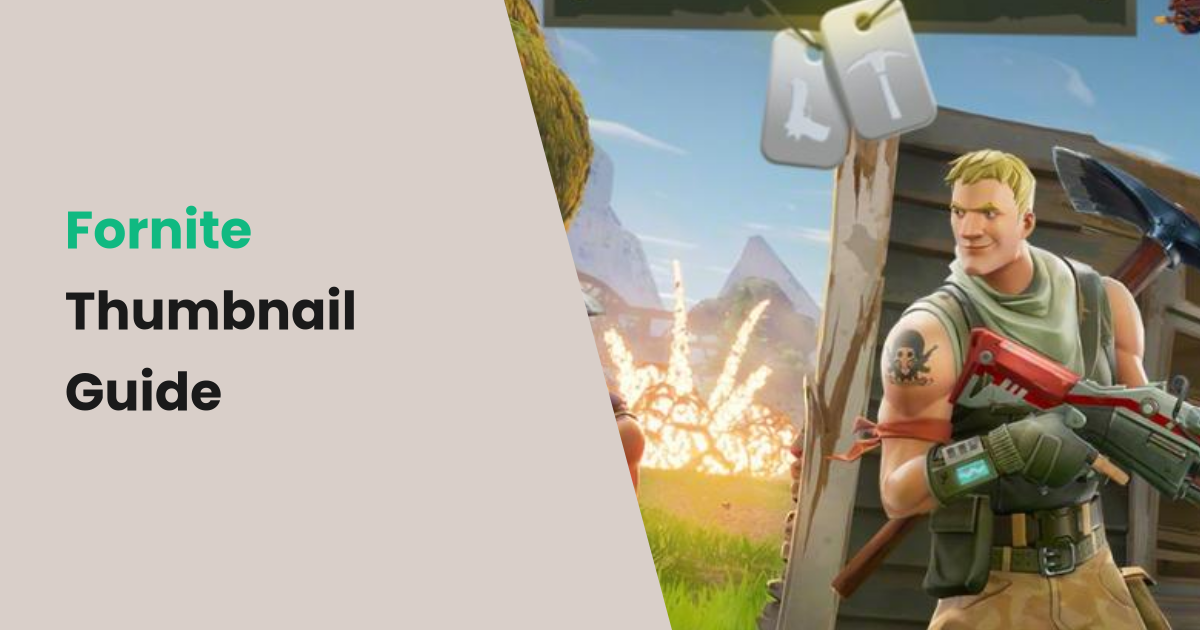
Fortnite continues to dominate gaming content on YouTube. With new seasons, collabs, and events constantly dropping, there's always fresh content to create. But standing out in Fortnite YouTube requires thumbnails that are as polished as the game itself.
Here's your complete guide to making Fortnite thumbnails that get clicks.
The Fortnite Thumbnail Standard
Top Fortnite creators like SypherPK, Ninja, and Typical Gamer have established a high visual standard for thumbnails. Viewers expect vibrant colors, dramatic character renders, and bold text. Low-effort thumbnails simply won't compete.
The good news? You don't need Photoshop expertise to make great Fortnite thumbnails. The right tools and techniques can get you professional results quickly.
Ideal Fortnite Thumbnail Size
YouTube thumbnails should be 1280 × 720 pixels with a 16:9 aspect ratio. Maximum file size is 2MB. Use PNG format for the sharpest text and graphics.
For social media sharing (Twitter, Instagram, Discord), you may also want a 1:1 square crop version—but the 16:9 YouTube version should be your primary focus.
How to Design Fortnite Thumbnails That Pop
Use High-Quality Character Renders
Fortnite's character skins are visually striking. Use them to your advantage. You can get character renders from:
- Fortnite's official media kit
- Fortnite.GG or FNAssist for skin renders
- In-game screenshots using replay mode with HUD disabled
Position your character taking up 40-50% of the thumbnail, usually on the left or right side.
Choose Bold, Contrasting Colors
Fortnite's color palette is already vibrant. Match it with bold text colors that contrast against your background. Neon yellow, electric blue, and hot pink work especially well.
Keep Text Short and Impactful
The best Fortnite thumbnails use 3-4 words maximum:
- "NEW SECRET SKIN"
- "INSANE CLUTCH WIN"
- "SEASON 8 MAP"
Use all-caps, thick fonts with dark outlines for maximum readability.
Add Dynamic Elements
Arrows pointing at reveals, glowing effects around new items, or VS text between characters—these dynamic elements create visual interest and curiosity.
Show Action, Not Idle Screens
Screenshots of intense gameplay moments, dramatic victory royales, or surprising discoveries perform much better than static menu screens.
Quick Fortnite Thumbnails with Instant Thumbnail
For news updates, patch notes, tier lists, and informational Fortnite content, text-based thumbnails are highly effective. Instant Thumbnail creates them in seconds:
- Enter your Fortnite video title (e.g., "Fortnite Season 8 – Everything You Need to Know")
- Choose the Diagonal highlight style for an energetic, dynamic feel
- Select a vibrant accent color (Pink or Purple work great for Fortnite)
- Optionally upload a Fortnite screenshot as background
- Download your professional thumbnail instantly—free, no sign-up
Fortnite Thumbnail Color Psychology
Colors trigger specific emotions. Use this to your advantage:
| Color | Emotion | Best for | |-------|---------|----------| | Red | Urgency, excitement | Breaking news, time-limited events | | Blue | Trust, cool factor | Tips, tutorials, guides | | Yellow | Energy, attention | Surprises, discoveries | | Purple | Premium, mystery | Season reveals, leaks | | Green | Success, growth | Victory royales, progression |
Common Fortnite Thumbnail Mistakes
- Blurry screenshots: Always use high-resolution images
- Cluttered backgrounds: Keep backgrounds simple or blurred
- Generic "Fortnite" text: Don't just write "FORTNITE"—tell viewers what the video is specifically about
- Copying other creators exactly: Take inspiration but develop your own style
- No focal point: Every thumbnail needs one clear thing to look at first
Conclusion
Great Fortnite thumbnails combine dramatic character renders, bold text, and vibrant colors. Whether you use advanced design software or quick tools like Instant Thumbnail, the key is making thumbnails that are impossible to scroll past.
Start creating better Fortnite thumbnails today and watch your click-through rate climb.
Create Your Blog Cover Now
Generate 4 professional blog cover styles in seconds—free, no sign-up.
Open Generator →