How to Make a COD Thumbnail: Call of Duty Thumbnail Guide
Create professional Call of Duty thumbnails for YouTube. Learn the best design techniques, sizes, and free tools for making COD thumbnails that stand out—whether you play Warzone, MW3, or Black Ops.
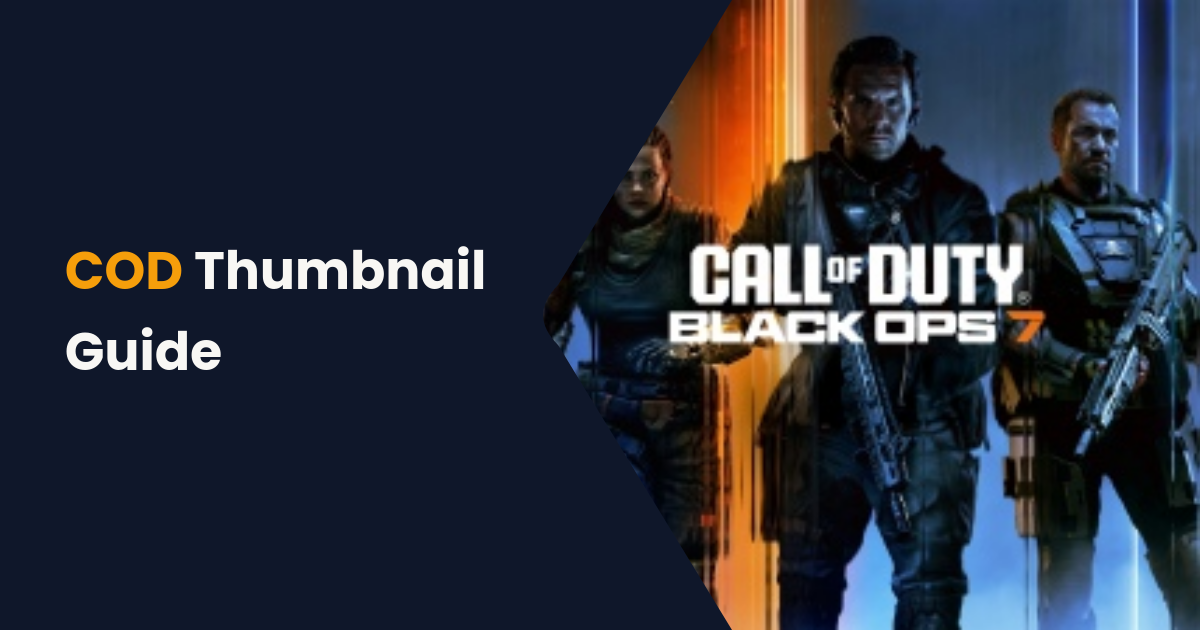
Call of Duty is one of the most popular gaming franchises on YouTube, with massive audiences for Warzone, Modern Warfare, Black Ops, and Zombies content. With so much competition, your thumbnail is your most important marketing tool.
Here's how to create COD thumbnails that get clicks and grow your channel.
Why COD Thumbnails Matter
The Call of Duty YouTube space is fiercely competitive. Top creators like JGOD, FaZe Jev, and TimTheTatman set the bar high for thumbnail quality. Viewers have been trained to expect polished, high-energy thumbnails.
A great COD thumbnail can increase your CTR by 2-3x, which directly impacts how much YouTube recommends your video.
Ideal COD Thumbnail Dimensions
Like all YouTube content, COD thumbnails should be 1280 × 720 pixels with a 16:9 aspect ratio. Use PNG for the crispest text and graphics. Keep file size under 2MB.
COD Thumbnail Design Formula
The Background
Use a high-quality in-game screenshot as your base. The best options are:
- Replay mode screenshots with clean angles
- Character renders from official media kits
- Blurred gameplay as a background behind text
Avoid dark, muddy screenshots. Even though COD games tend toward darker color palettes, your thumbnail needs to pop against YouTube's white interface.
The Subject
Feature a weapon render, operator skin, or explosive moment. For Warzone content, showing the map or a key location creates immediate context. For multiplayer, feature the weapon that's the focus of the video.
The Text
Keep it to 3-4 words: "BROKEN META LOADOUT", "NUKE GAMEPLAY", "WARZONE RANKED". Use thick, bold fonts with contrasting outlines. Yellow, red, or white text tends to work best against COD's darker imagery.
The Hook Element
Add one element that creates curiosity: a red circle around a new attachment, an arrow pointing at a stat, or a "BANNED?" overlay. This creates the micro-curiosity that drives clicks.
Game-Specific COD Thumbnail Tips
Warzone Thumbnails
Show the map, a dramatic kill moment, or a loadout. Include the weapon name prominently—viewers search for specific loadout content.
Modern Warfare 3 / Multiplayer
Feature the weapon or camo that's the focus. Multiplayer content is often about specific guns, perks, or mechanics.
Zombies Thumbnails
Use the unique Zombies aesthetic—darker, more horror-focused. Feature the new maps, wonder weapons, or Easter egg clues.
Black Ops Thumbnails
Match the game's color palette (often orange, black, and neon tones). Feature iconic BO elements like specialists or scorestreaks.
Creating COD Thumbnails with Instant Thumbnail
For loadout guides, patch notes, tier lists, and informational COD content, clean text-based thumbnails perform exceptionally well. Instant Thumbnail makes it easy:
- Enter your COD video title (e.g., "Best Warzone Loadout Season 2")
- Choose the Arrow highlight style for actionable, direct content
- Pick a bold accent color—Amber or Pink work great against dark backgrounds
- Upload a COD screenshot as the background (optional)
- Download your thumbnail instantly—free, no sign-up needed
COD Thumbnail Mistakes to Avoid
- Too dark: COD screenshots are often dark—brighten your background or use overlays
- Too much text: Keep it to 3-4 words max
- Generic weapon images: Show what makes YOUR video different
- Low resolution: Blurry thumbnails scream "amateur"
- No facial expression: If you include a face, show emotion (shock, excitement)
Conclusion
Great COD thumbnails combine intense imagery, bold text, and a clear promise of what the viewer will learn or see. Use these techniques whether you're editing in Photoshop or generating quick text-based covers with Instant Thumbnail.
Start making better Call of Duty thumbnails today—your CTR will improve immediately.
Create Your Blog Cover Now
Generate 4 professional blog cover styles in seconds—free, no sign-up.
Open Generator →